Docs / Getting started
Getting started
Two paths into Burrow: a prebuilt installer, or a checkout run straight from source.
Requirements
- Node 20 or newer
- Rust, stable channel, with the MSVC toolchain on Windows
- On Windows: Visual Studio Build Tools with the C++ workload, plus the WebView2 runtime
Download a build
Prebuilt Windows installers live on the releases page, and directly on the download section of this site. macOS and Linux do not have a packaged build yet; the source path below runs on either.
Build from source
git clone https://github.com/ronak-create/burrow.git
cd burrow
npm install
npm run tauri dev
npm run dev alone serves the frontend but cannot run
the app: the workspace layer calls into Rust, which exists only
inside the Tauri shell. In a browser tab the first call fails with
Cannot read properties of undefined (reading 'invoke').
Rust-side checks, if changes touch src-tauri:
cd src-tauri
cargo check
cargo test
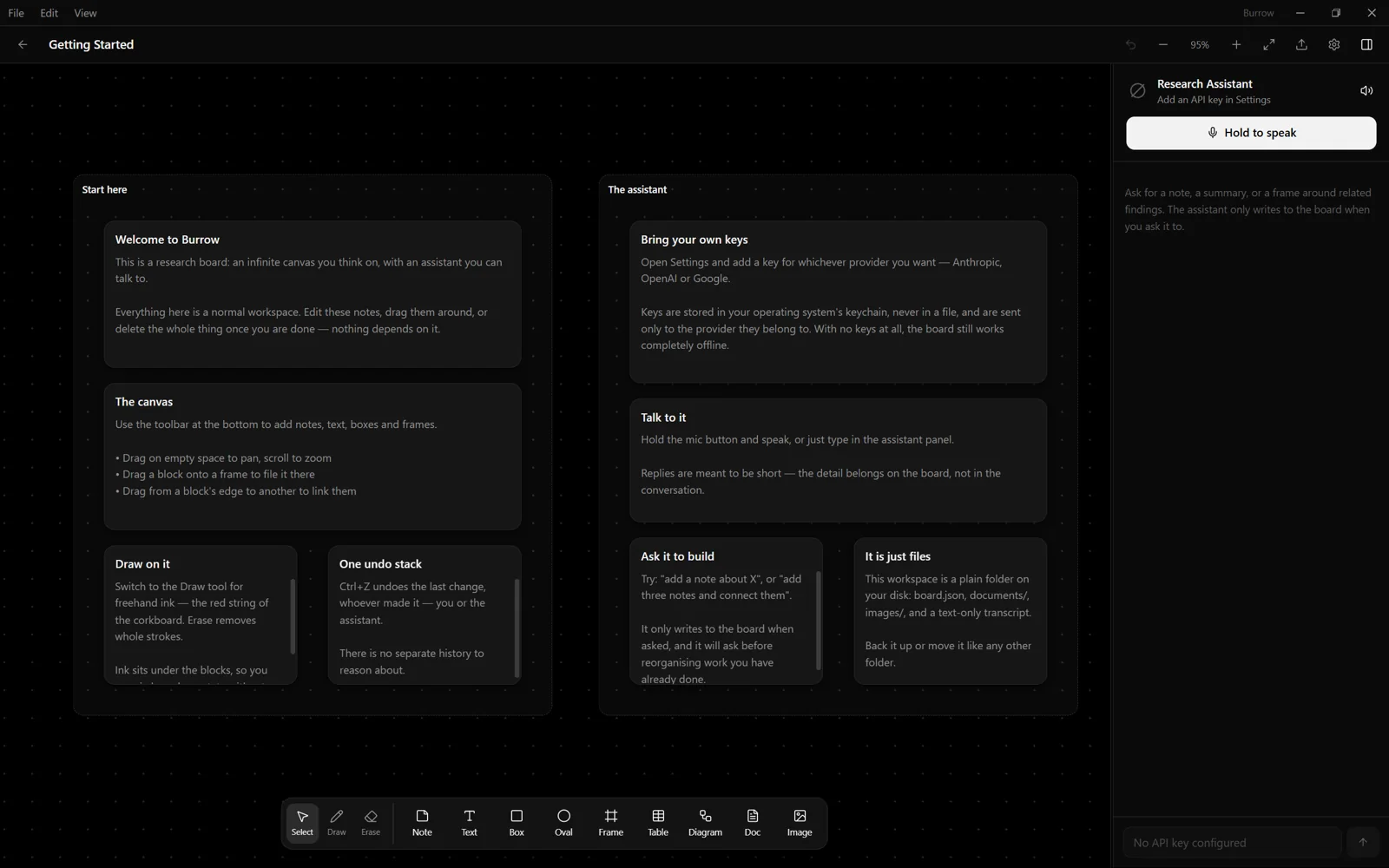
The first workspace
A workspace is a plain folder, created the first time the app opens. Every workspace is pinnable, and a single search reaches across every board and transcript at once. Whether that first conversation runs against a hosted key or a local model is set in Settings, covered in Local models and Providers & endpoints.